
 The I Can Newsletter was first published in May 2007, with an issue related to playing board games. This was in response to a request for ideas to be used in a classroom. Since then, we have covered dozens of topics, including going on a road trip, using social media, talking about math and using switches. We have tried to include resources that we've found helpful in our own practice. In the early days, I Can was sent out via email blast and evolved over time to the blog you see today. Along the way, we've learned lots about blogging and have had fun exploring topics that we think might interest our clients, their families and their school teams. We have now decided that the blog has run its course and that this will be the final I Can post.
  We hope that you will still look back through the archived issues of the blog, to find answers to some of your questions, websites of interest and just to get some ideas for using AAC in everyday activities.The Blog Archive sits along the left side of the blog and has a search function at the very top so you can look up blogs on a specific topic quite easily!
We will leave you with some of our favourite websites, blogs and resources that we go back to time and again. Thank you for following our blog and remember, You Can.....be a difference-maker for your children who use AAC!
 Something to watch out for!
"Speechless" is the new TV comedy about Maya DiMeo (Minnie Driver), a mother who is willing to do anything for her family. Her son, JJ (Micah Fowler) has cerebral palsy and uses augmentative strategies for communication. Maya will fight for justice in order to give her son what he deserves. It's on at 8:30 on Wednesday nights on ABC.

Some new ideas every day!
Pra
 actical AAC never fails to deliver on sharing information that is truly practical and helpful for families, educators and clinicians.
 Jane Farrell is a leader in the field of AAC and has lots of experience to pull from. She also has an amazing blog where she shares her ideas and suggestions for supporting literacy, AAC and other Assistive Technology.
Uncommon Sense is Dana Nieder's honest and humorous blog where she talks about her family's journey with communication, AAC and different things they've tried with their daughter Maya who uses AAC. It's always a great read and has LOTS of great resources!
And you can't forget SET BC!
SET BC maintains searchable databases of resources that are created and updated by dedicated professionals working with students who use assistive technology in British Columbia, Canada.
 CurriculumSET is a searchable database where you can find, download, and customize
activities, templates and public domain accessible books based on the curriculum as set out by the British Columbia Ministry of Education.
CurriculumSET is a searchable database where you can find, download, and customize
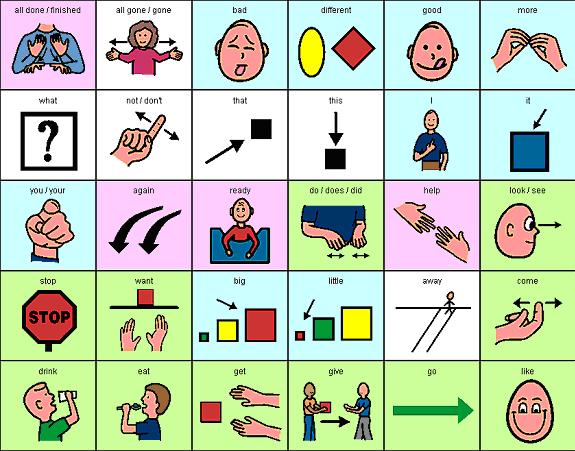
activities, templates and public domain accessible books based on the curriculum as set out by the British Columbia Ministry of Education. PictureSET is a collection of downloadable visual supports that can be used by students for both receptive and expressive communication in the classroom, at home, and in the community. It allows you to find a wide range of visual supports for curriculum areas, activities, and events.
 AAC Intervention
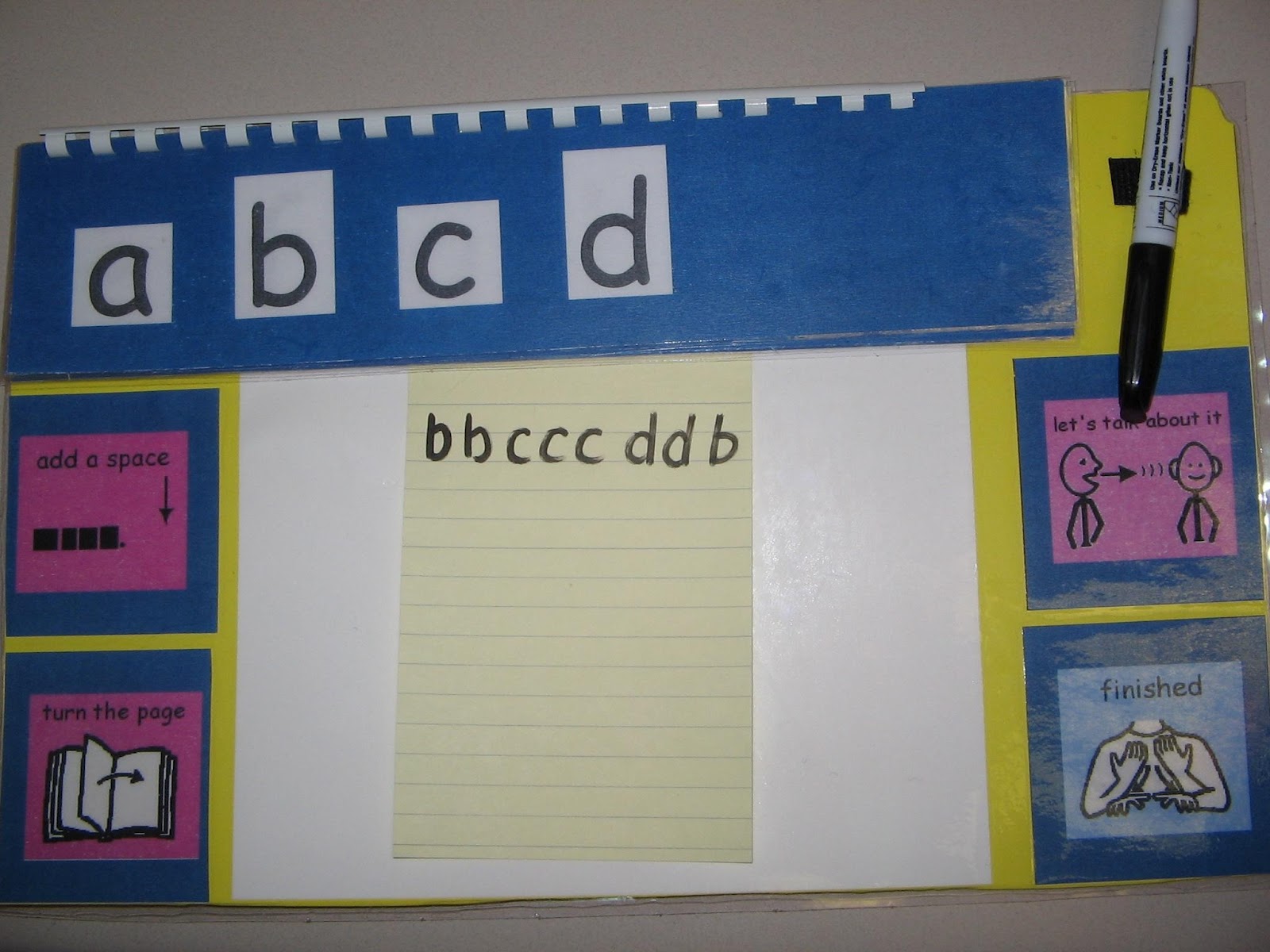
Here you'll find years and years worth of "Tips of the Month'' with free practical suggestions for teaching & learning AAC strategies, writing using alternative tools, literacy development, participation and the list goes on and on!!! They also have resources that you can purchase for more in depth information. The Links section takes you to lots of other fabulous expert resources that are great to have in your communication toolbox!
VocaliD - be a voice donor!!!
 Over ten million people rely on text-to-speech devices that use synthesized speech to
express themselves. There is a limited pool of voices available, so whether they are young or old, male or female, shy or outgoing —
they all speak with similar voices. VocaliD is a voice company
that is using voice blending technology to create unique vocal persona
for any device that turns text into speech. 14,000 speakers from over 110 countries have already contributed over 6 million sentences to their growing spoken repository but in order to continue to create these unique voices, they need more!!! Please, visit the VocaliD site to learn more about how you can add to this voice bank from the comfort of your own home!
Over ten million people rely on text-to-speech devices that use synthesized speech to
express themselves. There is a limited pool of voices available, so whether they are young or old, male or female, shy or outgoing —
they all speak with similar voices. VocaliD is a voice company
that is using voice blending technology to create unique vocal persona
for any device that turns text into speech. 14,000 speakers from over 110 countries have already contributed over 6 million sentences to their growing spoken repository but in order to continue to create these unique voices, they need more!!! Please, visit the VocaliD site to learn more about how you can add to this voice bank from the comfort of your own home!Something to inspire!
Watch "Talk to me" - a short video where Pheobe helps to raise awareness of living with a disability and using AAC.


